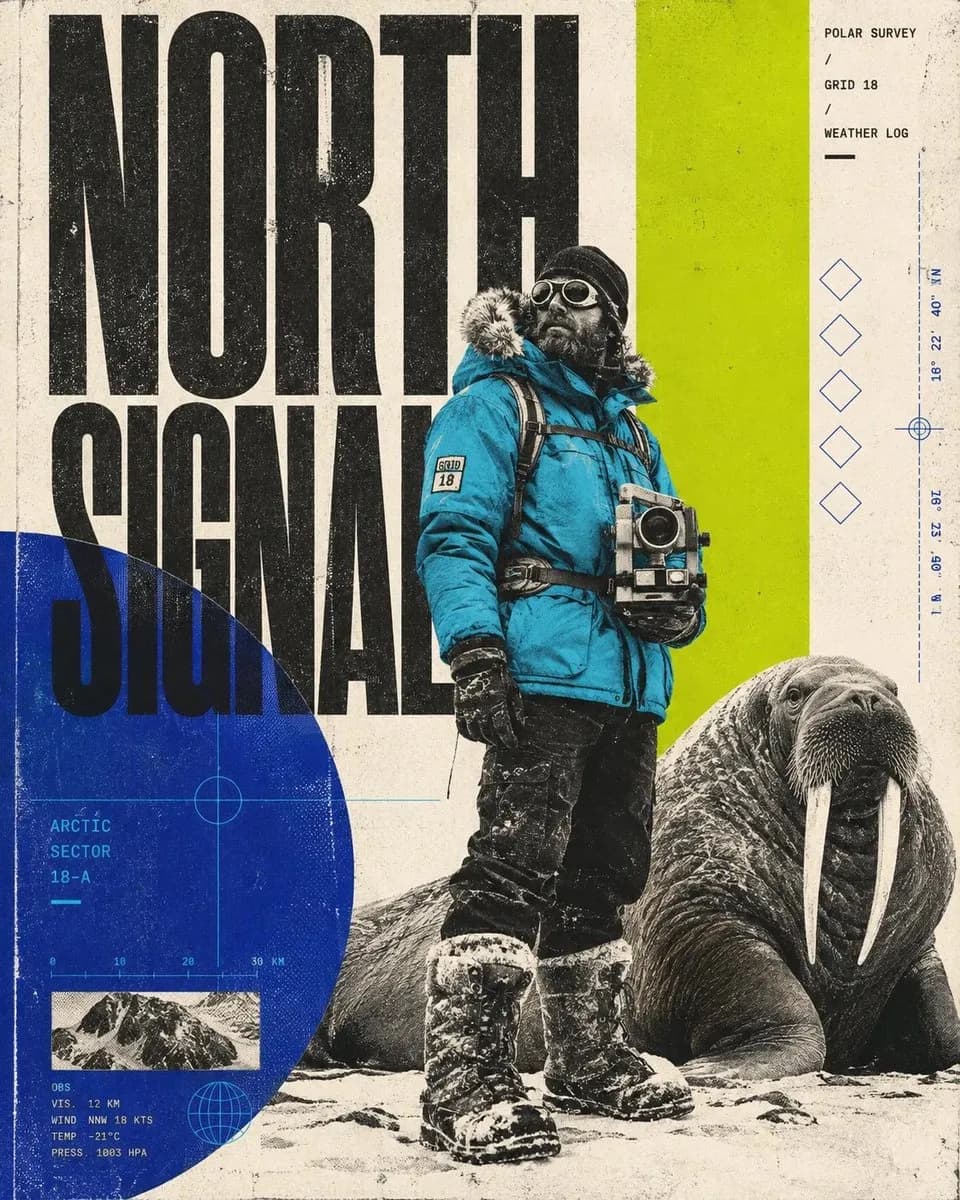
Outdoor editorial
Build a cover from field shots
Layer photography, map scraps and one large headline in a single frame.
A workspace for visual ideas
Bring your references, generate a few options, and work on the one worth keeping. Canvivo puts images, video and the thinking behind them on one canvas.
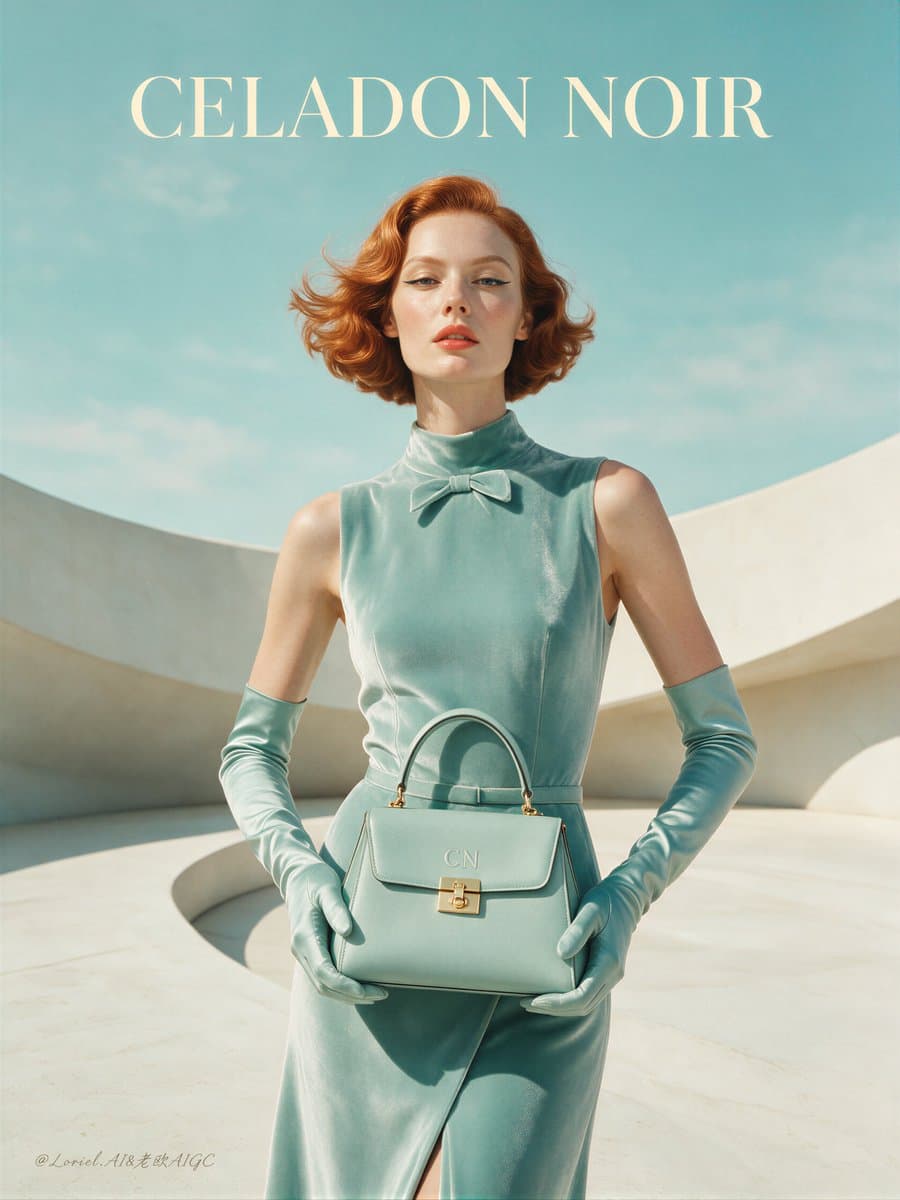
Prompt
Try a closer crop. Keep the mint palette and leave room for the headline.
Start with what you have
Bring the product photo, a color reference and the client’s notes onto one board.
Return to a useful prompt
Keep generation details with the result so you can check what you used.
Give an edit a clear target
Mark the area you want to change and describe the adjustment.
Compare before you commit
Place options side by side and talk through the differences before production.
Watch a direction come together
A reference catches your eye. You try a composition. A direction starts to take shape, with the earlier ideas still close by.
Start with a color, an image, a detail worth exploring.
Try a different crop or composition before choosing.
Keep the references and the options on the same board.
On the studio wall
Start with the kind of work on your desk. These visual examples show how a canvas can bring together compositions, references and ideas for your next brief.
Outdoor editorial
Layer photography, map scraps and one large headline in a single frame.
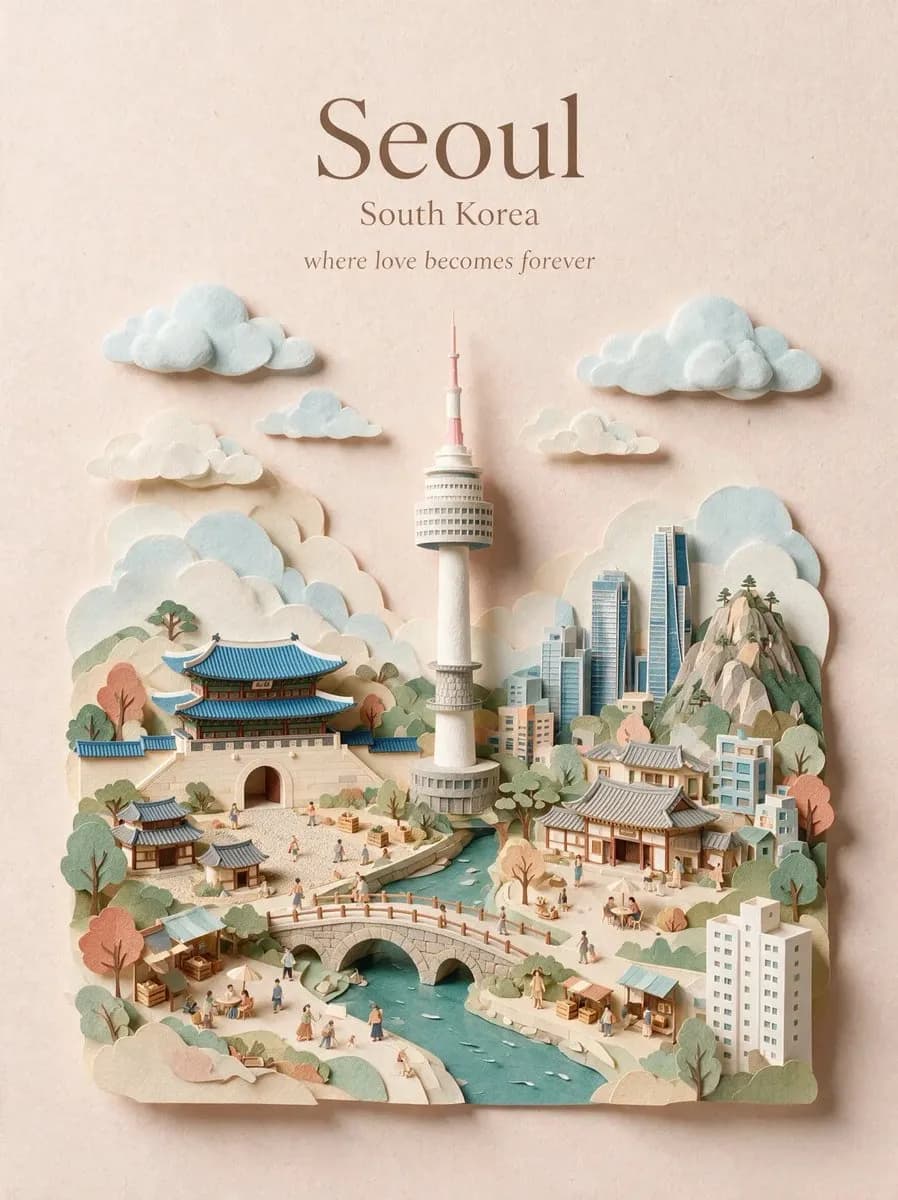
Travel poster
Try an illustrated direction before you book the shoot.
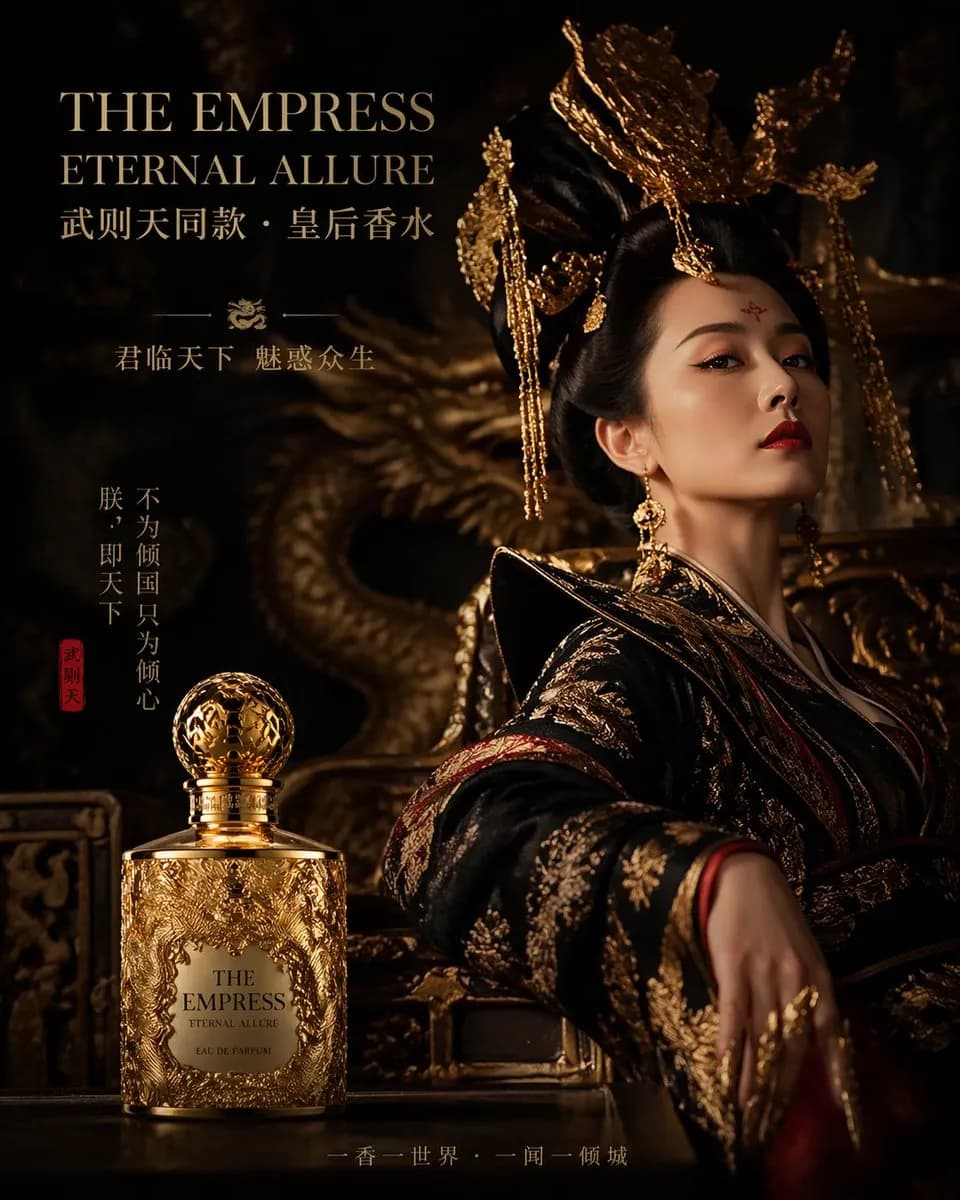
Luxury fragrance
Balance light, wardrobe and type around a single bottle.
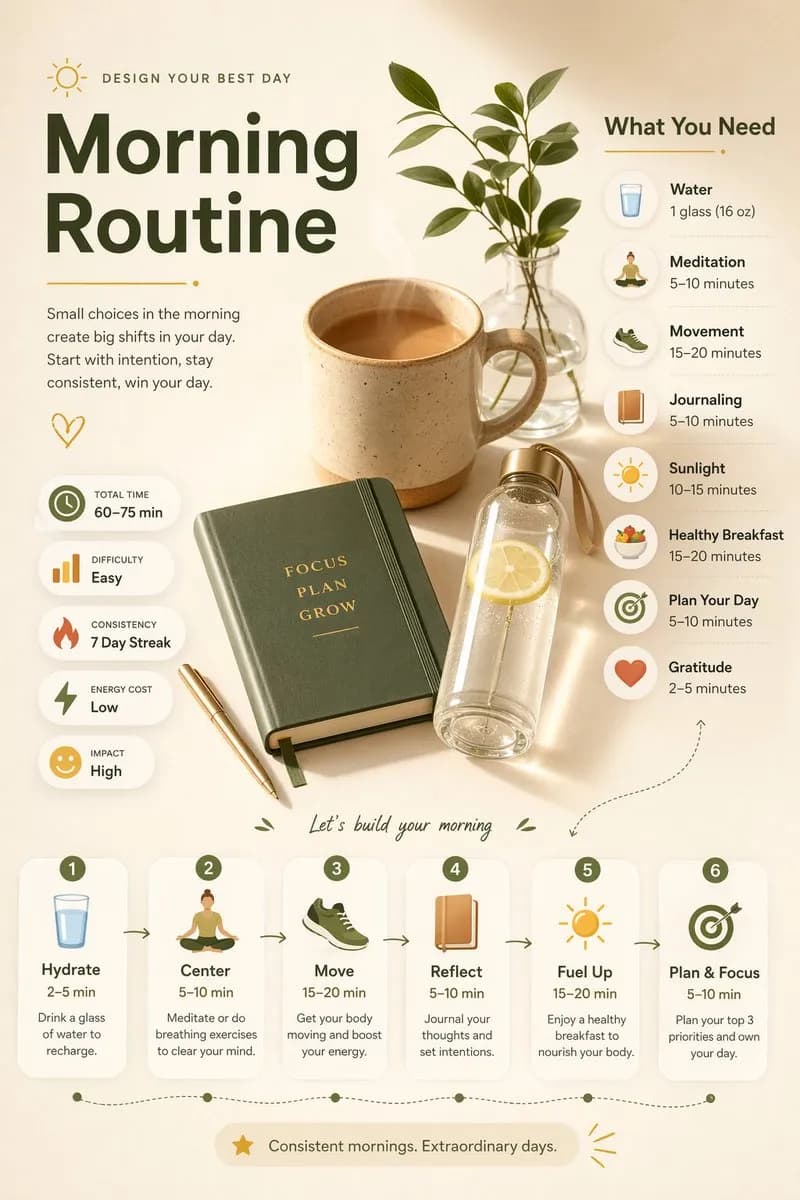
Information layout
Flat-lay photography, icons and captions sharing a single grid.
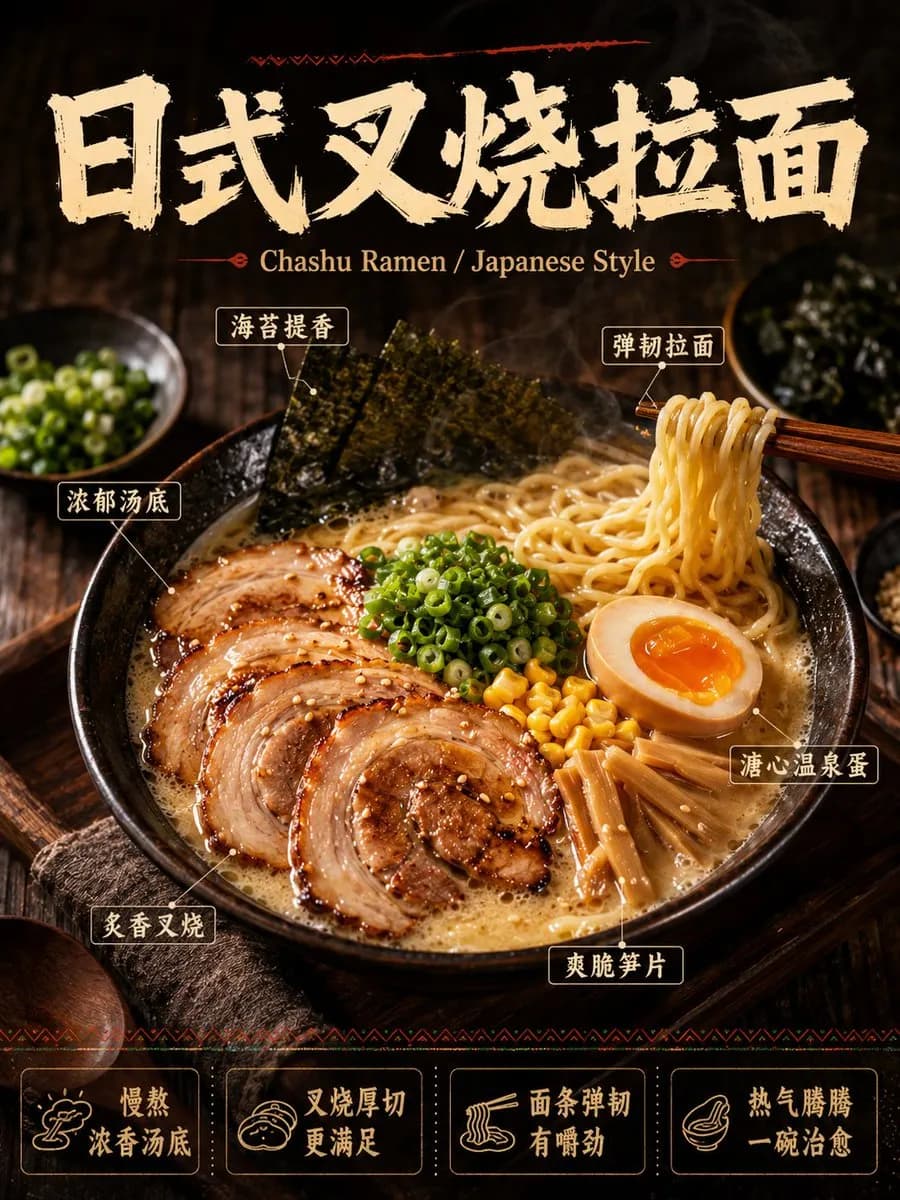
Food and menus
Label the ingredients on the photo so kitchen and marketing read one sheet.
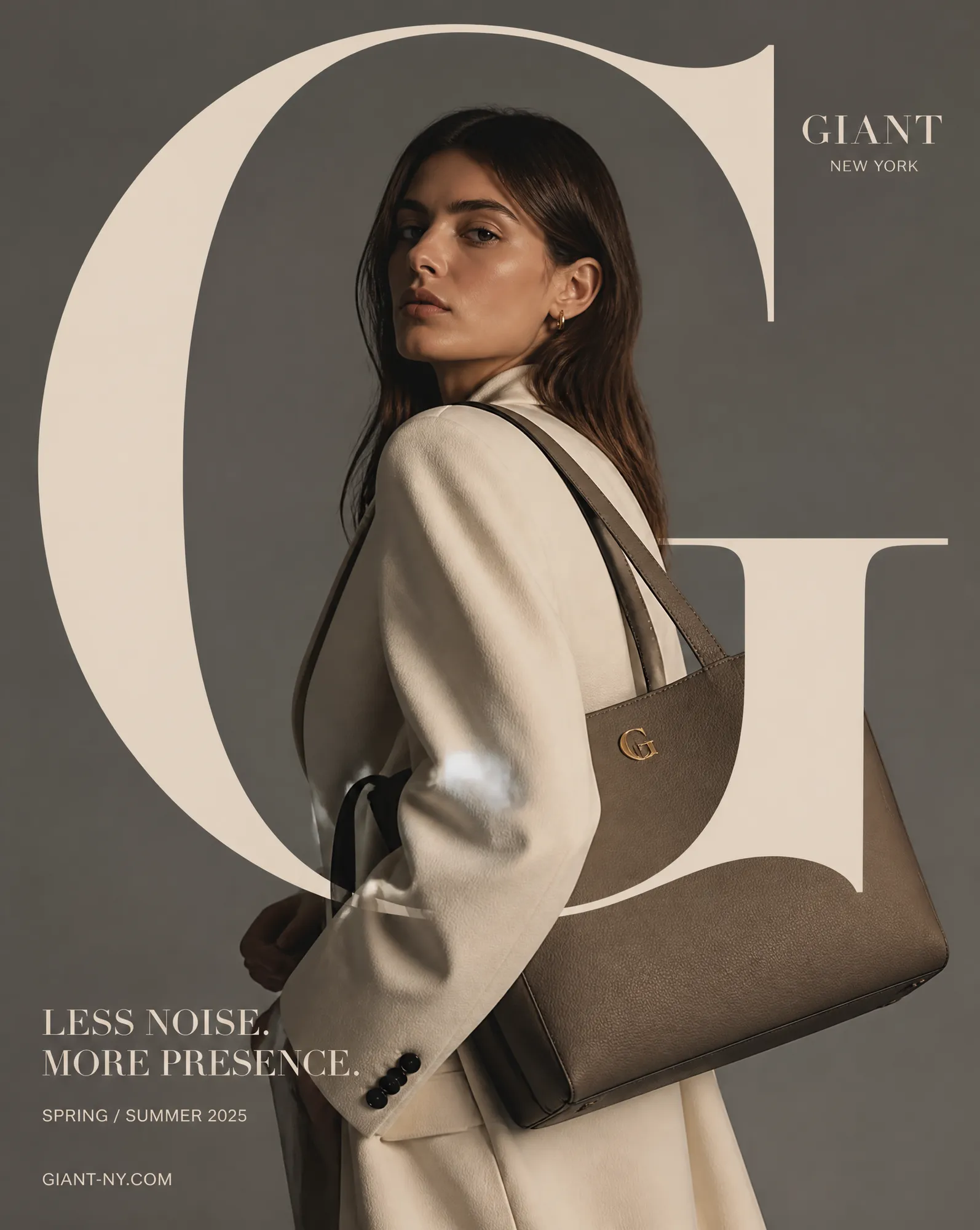
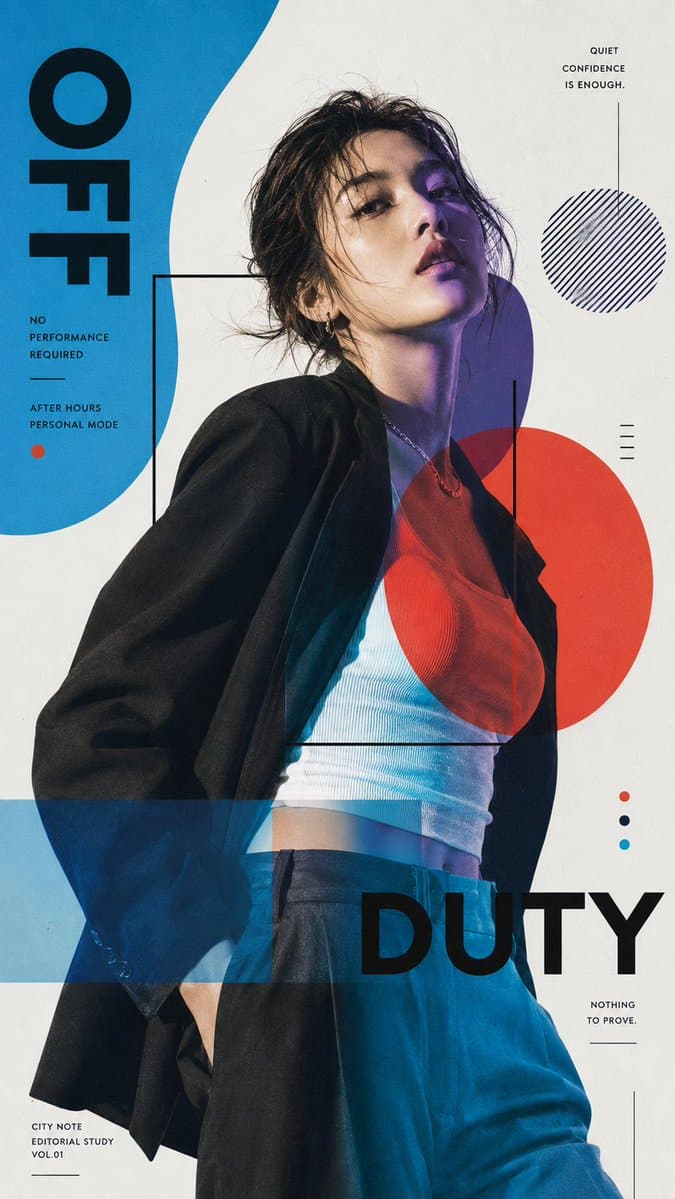
Fashion campaign
Test one oversized letterform against the shot before the full set.
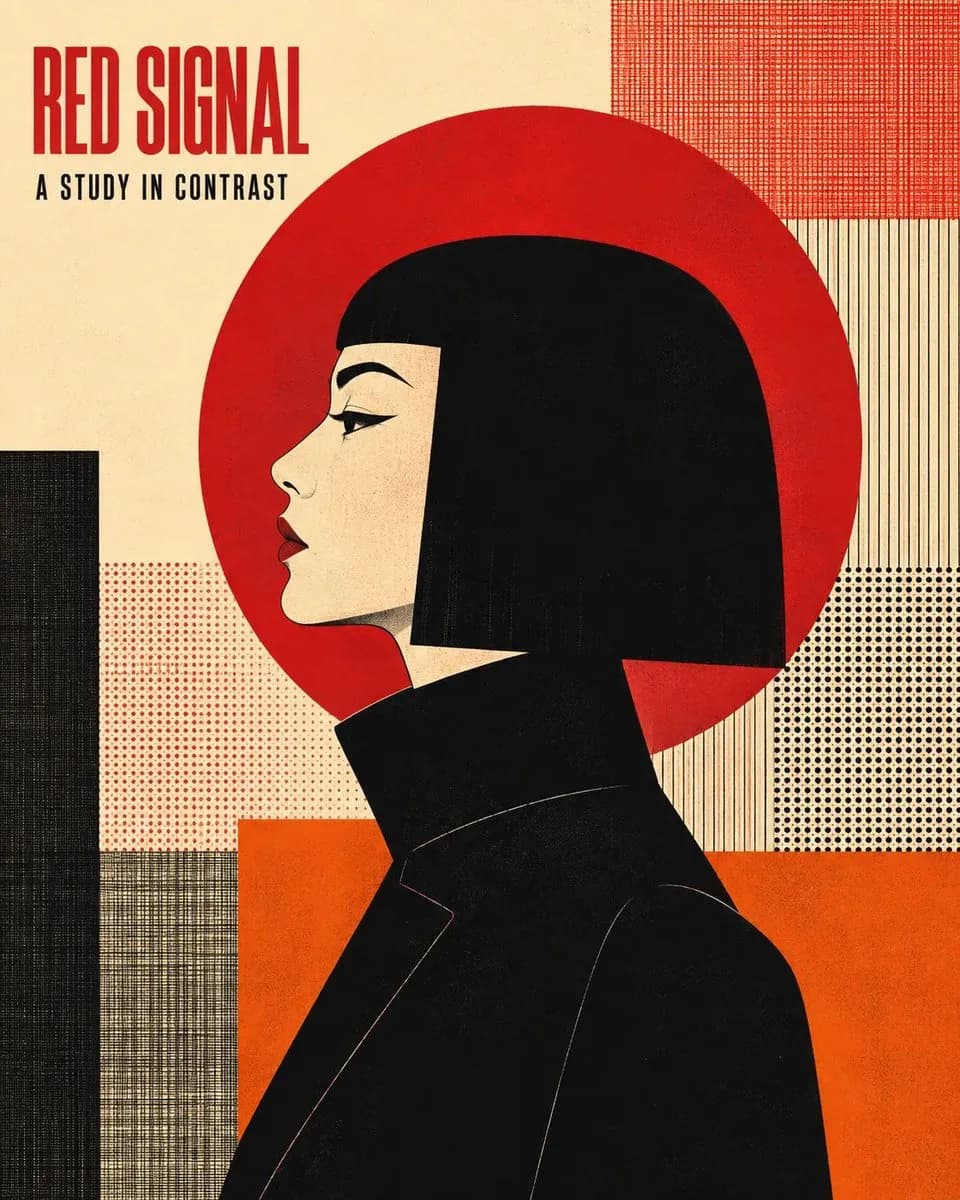
Illustrated poster
Flat shapes and a single accent can carry the whole message.
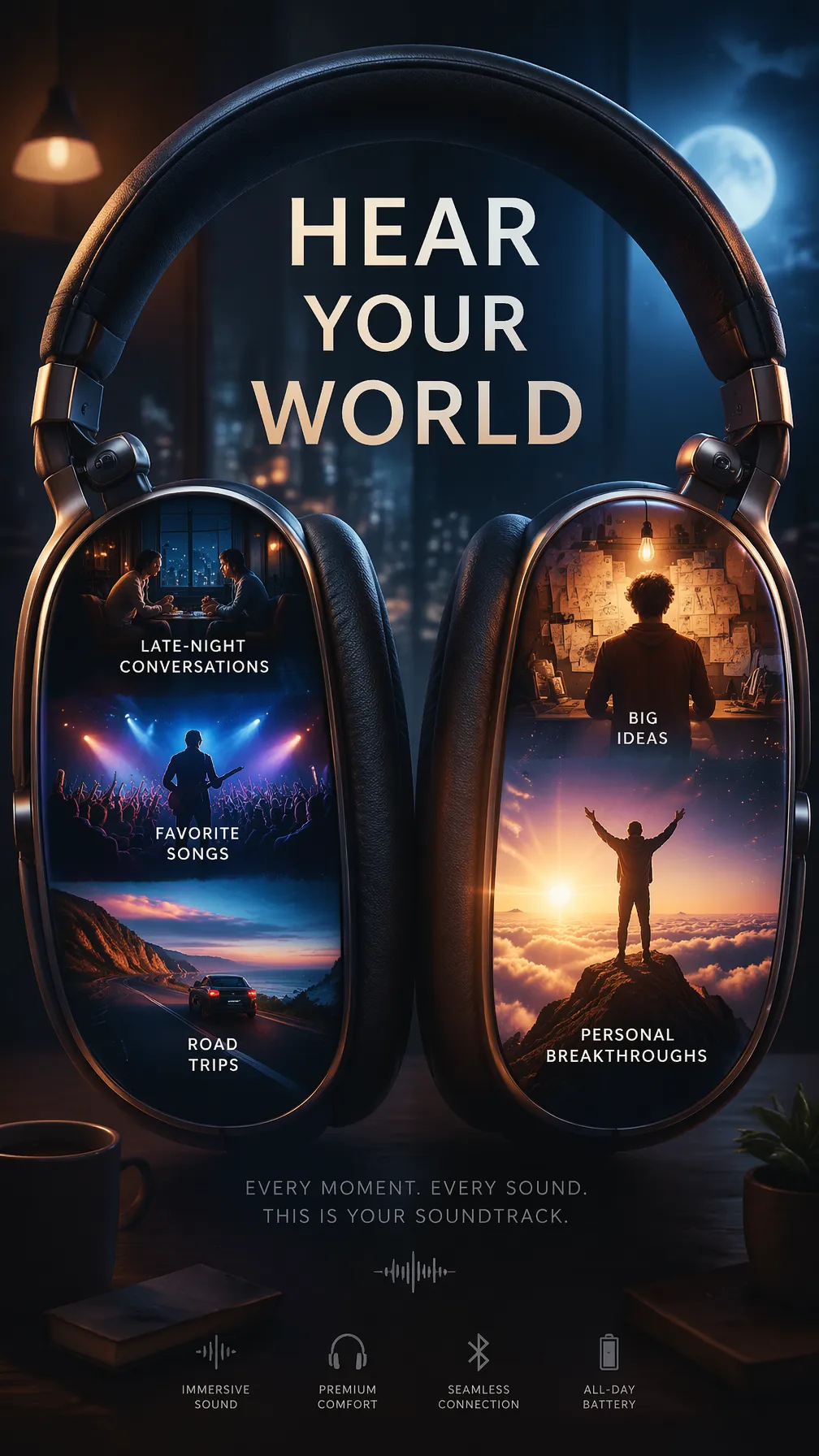
Product advertising
Drop small scenes inside the product's own silhouette.
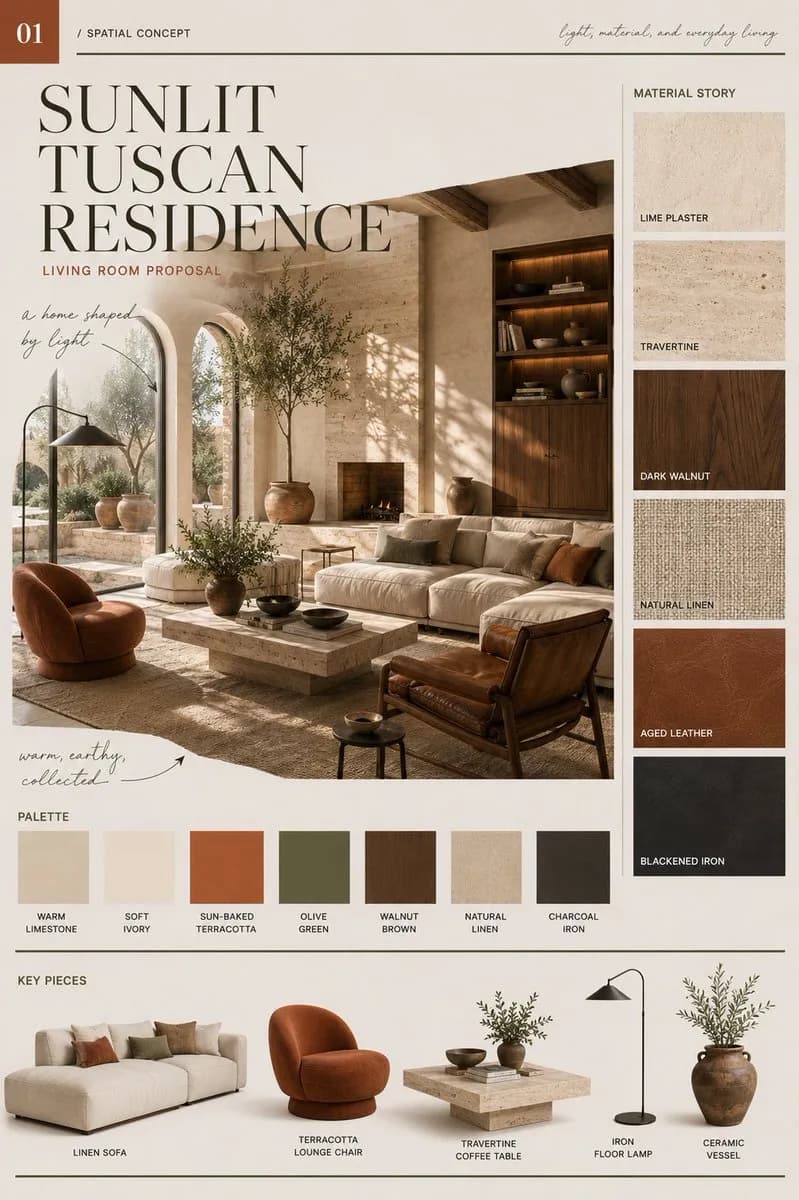
Interiors and materials
See furniture, surfaces and tones standing next to each other.
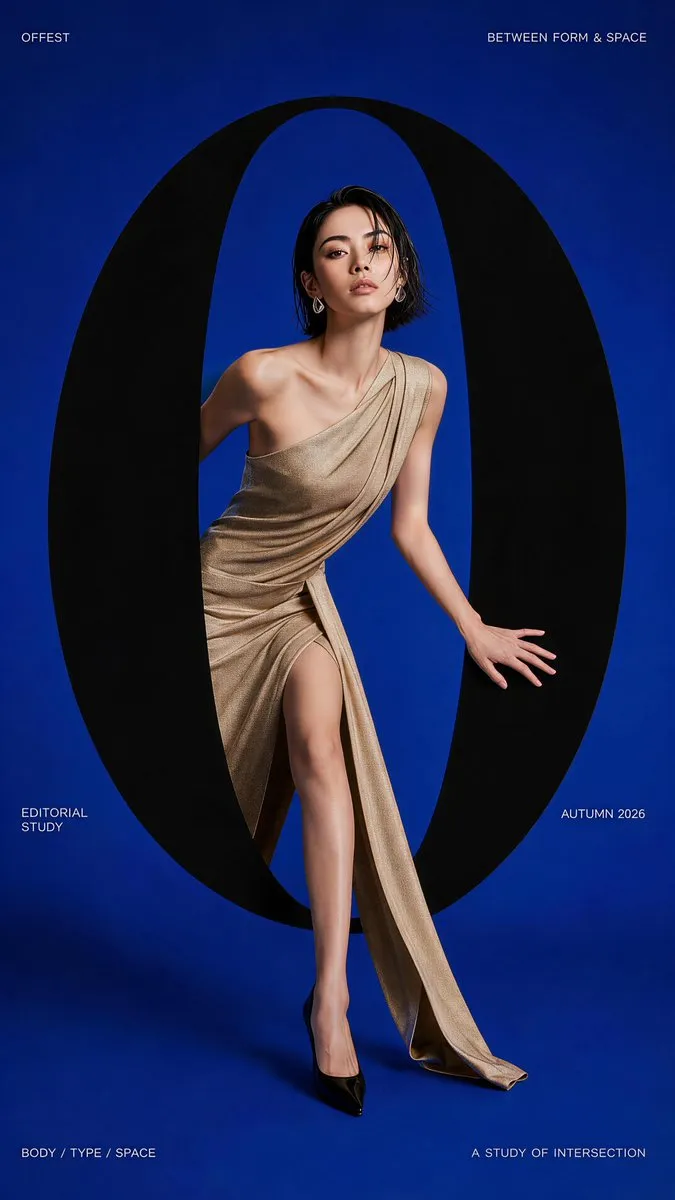
Editorial cover
One circle, one pose — enough to hold the whole page.

Brand system
Nine tiles are enough to check voice, colour and imagery agree.
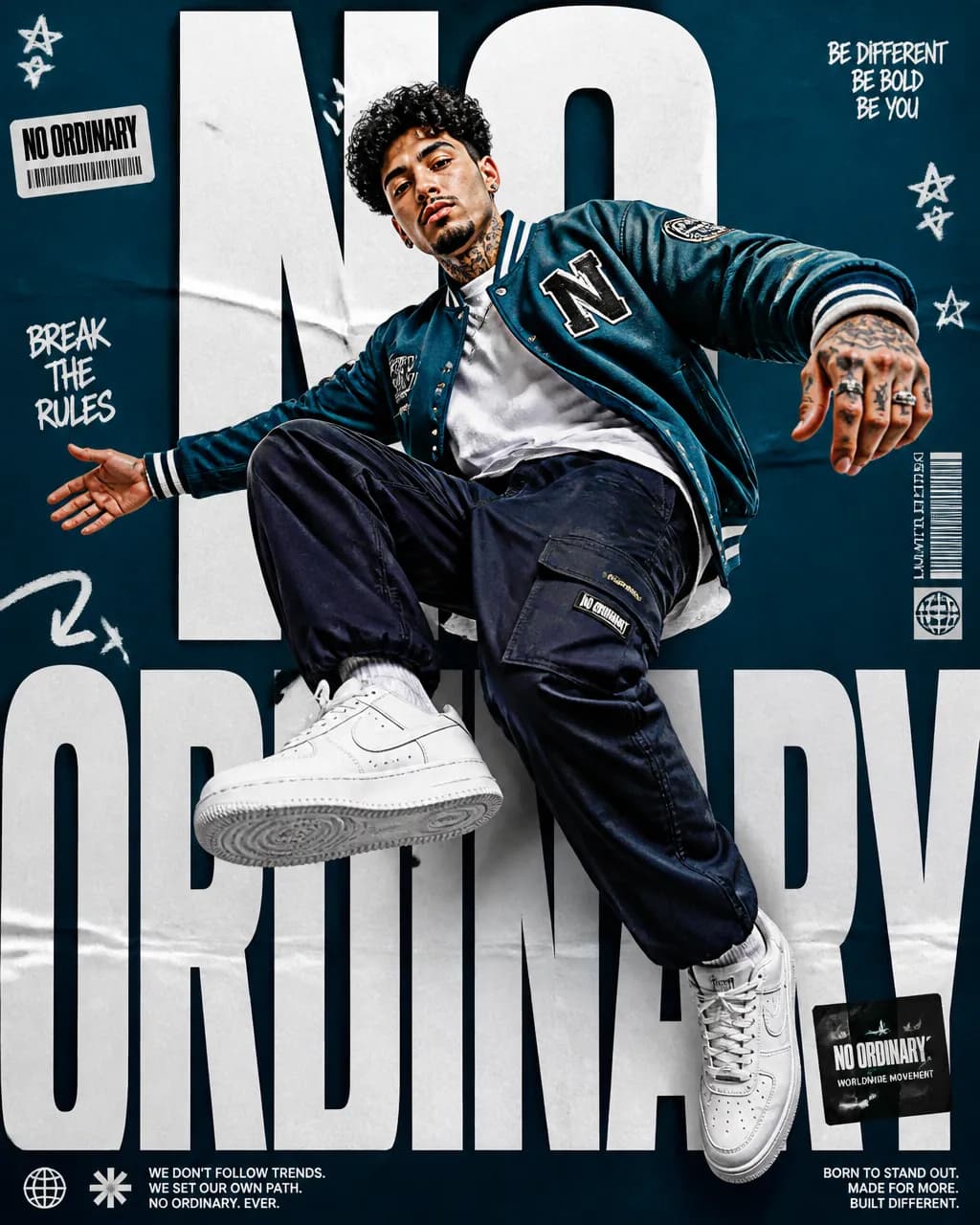
Sports campaign
Collage, overlaid type and one airborne pose in a single layout.
A familiar way to work
A client sends a product photo and a rough brief. Start there. Build a few options on the board, then compare them with the original still in view.
Add photos and notes. Arrange them around the brief so the important details stay visible.
Connect references, write your prompt and choose a model from your connected provider.
Keep the promising result, refine it, or try another version beside it.
Tools within reach
Try another background, lighting setup or composition using a prompt and reference images.
Mark a region and describe the change, from a distracting prop to a different material.
Use a starting image to explore motion. Keep the clip beside the frames that informed it.
Look up the prompt, model and references attached to a generation before starting another.
A catalog of prompts that already work
The prompt library collects prompts that produced real results. Every entry keeps its model, settings and creator credit — browse by category, preview the output, copy the prompt in one click and refine it on your own canvas.
Free to browse — no account needed
The full prompt, formatted exactly as it was written, goes straight to your clipboard.
Crawled entries keep their creator name and CC BY license visible on the detail page.
Browse every category and switch between featured, most liked and newest.
Each entry records the model and aspect that produced its images.
For the work between brief and delivery
Start with one reference